
Professional Image Combining Tool: Combine Images Makes Image Processing Simple and Efficient
Learn how to use Combine Images for professional image combining. Perfect for e-commerce, social media, and design work.
What is Image Combining? Why Choose Combine Images?
In the digital age, image combining has become an essential skill in e-commerce, design, marketing, and other fields. Whether you're creating product comparison charts, before-and-after effect displays, or designing social media content, Combine Images can help you quickly merge multiple images into one professional composite image.
Core Advantages of Combine Images:
- 🚀 One-Click Combining: No complex operations, upload images to complete combining
- 🎨 Flexible Layout: Supports horizontal, vertical, and multiple combining methods
- 🎯 Smart Adaptation: Automatically adjusts image dimensions for optimal display
- 💎 High-Quality Output: PNG format export with lossless quality
- 🆓 Completely Free: No registration, no ads, unlimited use
Wide Application Scenarios for Image Combining
1. E-commerce Product Display
- Product Comparison Charts: Display different models, colors, specifications
- Before-and-After Comparisons: Highlight product effects and improvements
- Multi-Angle Display: Combine front, side, and back views of products
2. Social Media Marketing
- Instagram Stories: Create eye-catching comparison content
- Facebook Ads: Create before-and-after effect display ads
- TikTok Covers: Design attention-grabbing video covers
How to Use Combine Images for Image Combining
Step 1: Prepare Your Image Materials
Before starting to combine, we recommend:
- Choose clear, high-quality images
- Ensure image content is relevant and coordinated
- Consider the overall visual effect after combining
- Supports common formats like JPG, PNG, GIF
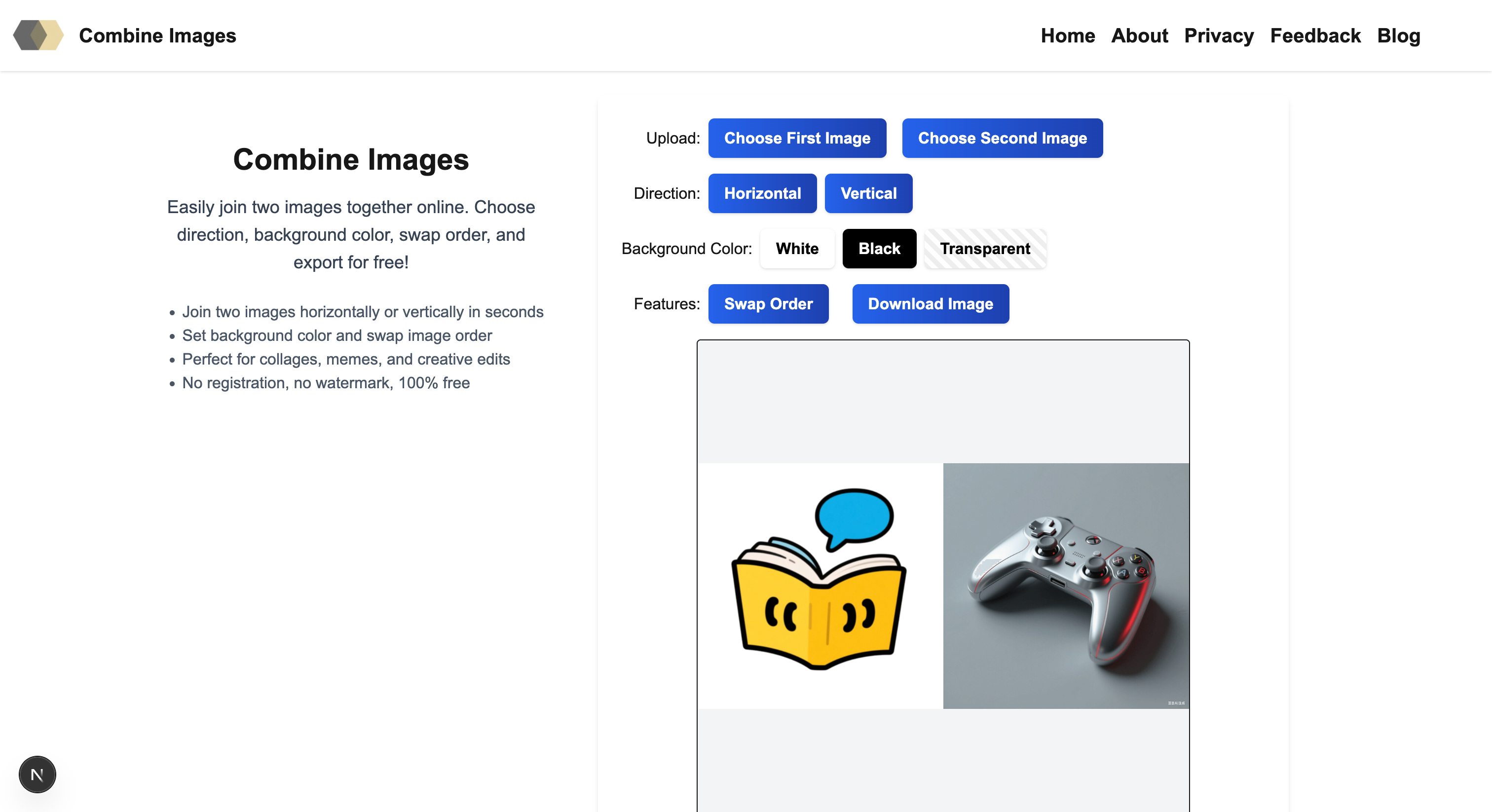
Step 2: Choose Combining Direction and Parameters
After uploading two images, you can:
Combining Direction Selection:
- Horizontal Combining: Suitable for creating widescreen comparison charts, displaying product details
- Vertical Combining: Suitable for creating long images, displaying complete processes
Background Color Settings:
- White Background: Suitable for product display, highlighting the subject
- Black Background: Suitable for artistic creation, creating atmosphere
- Transparent Background: Suitable for web design, flexible application
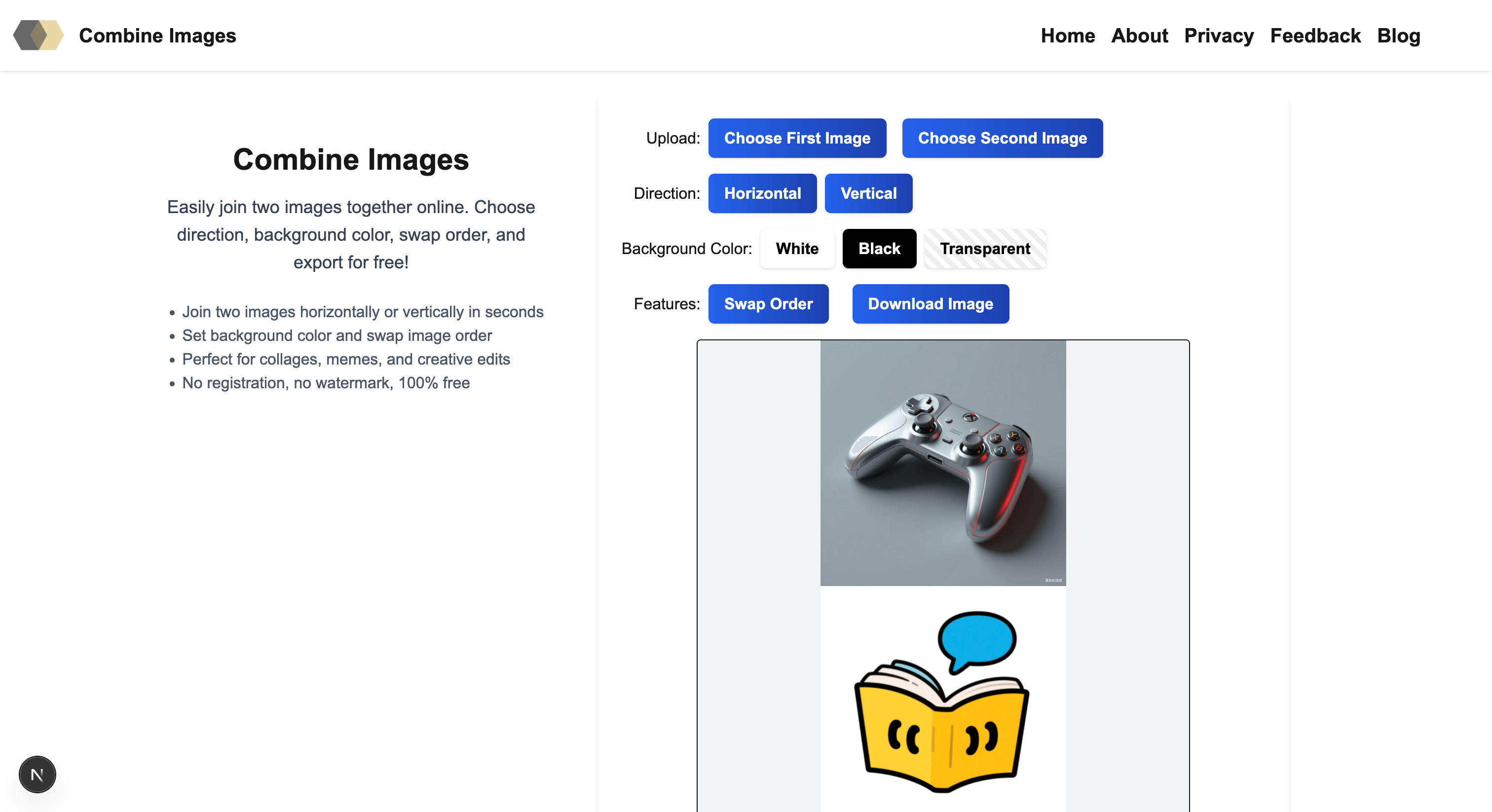
Step 3: Preview and Export
- Real-time Preview: All adjustments display effects in real-time
- One-Click Export: Click "Export Image" to download
- High-Quality Save: PNG format ensures best quality
Technical Features of Combine Images
Smart Size Adaptation
- Automatically calculates optimal combining dimensions
- Maintains image proportions without distortion
- Intelligently fills background colors
Best Practices for Image Combining
1. Image Selection Tips
- Unified Style: Choose images with similar tones and styles
- Relevant Content: Ensure combined images have logical connections
- Consistent Quality: Use images with same resolution and clarity
Summary: Why Choose Combine Images?
Combine Images is not just an image combining tool, but your creative work assistant:
- ✅ Simple to Use: Complete professional combining in three steps, no learning curve
- ✅ Powerful Features: Multiple combining modes to meet different needs
- ✅ Quality Assurance: Lossless combining, maintaining best quality
- ✅ Completely Free: No restrictions, use anytime, anywhere
- ✅ Safe and Reliable: Local processing, protecting privacy and security
Whether you're an e-commerce seller, designer, content creator, or regular user, Combine Images can help you quickly and professionally complete image combining tasks. Start experiencing now and make image combining so simple!
Start using Combine Images and unleash your creative potential!