

Quickly Combine Images and Efficiently Manage Your Product Photos
A step-by-step guide to using Combine Images tool for fast, high-quality image combining and e-commerce image processing.
Why Combine Images?
Whether you are an e-commerce seller, designer, or content creator, you often need to combine multiple images into one, such as product comparison charts, before-and-after effects, multi-angle displays, etc. Combine Images provides simple and easy-to-use image combining functionality, allowing you to combine multiple images horizontally or vertically with one click, and supports custom background colors and image order. Here's how to use it:
Step 1: Upload Your Images to Combine
Before you start, plan what you want to combine, such as product comparison charts, before-and-after effect comparisons, etc. Prepare the two images you want to combine, supporting common formats like JPG, PNG, etc.
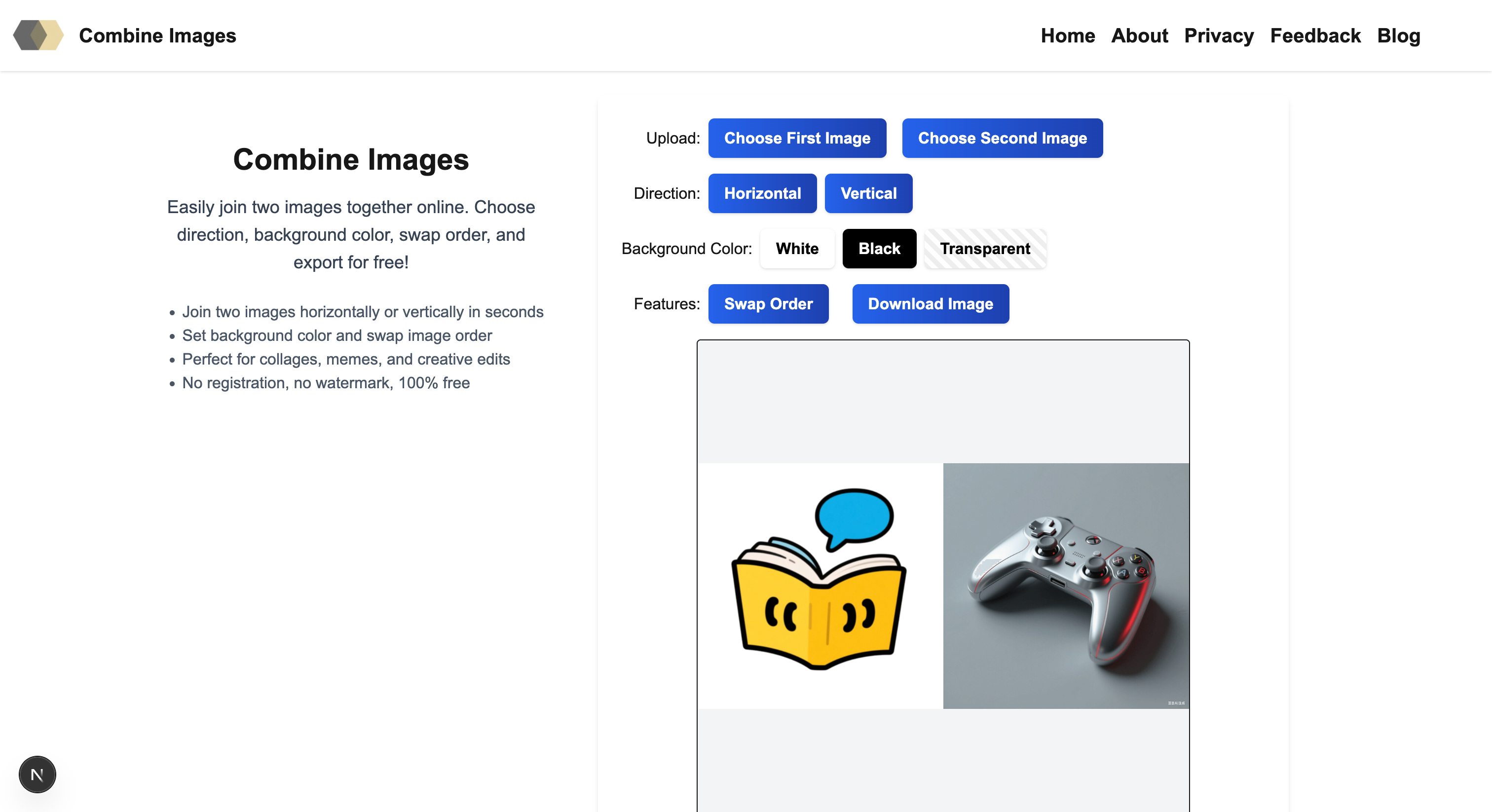
Step 2: Set Combining Direction and Parameters
After uploading two images, you can choose horizontal or vertical combining. Combine Images supports real-time preview, you can adjust the background color (white, black, or transparent), and you can also swap image order to find the best effect.
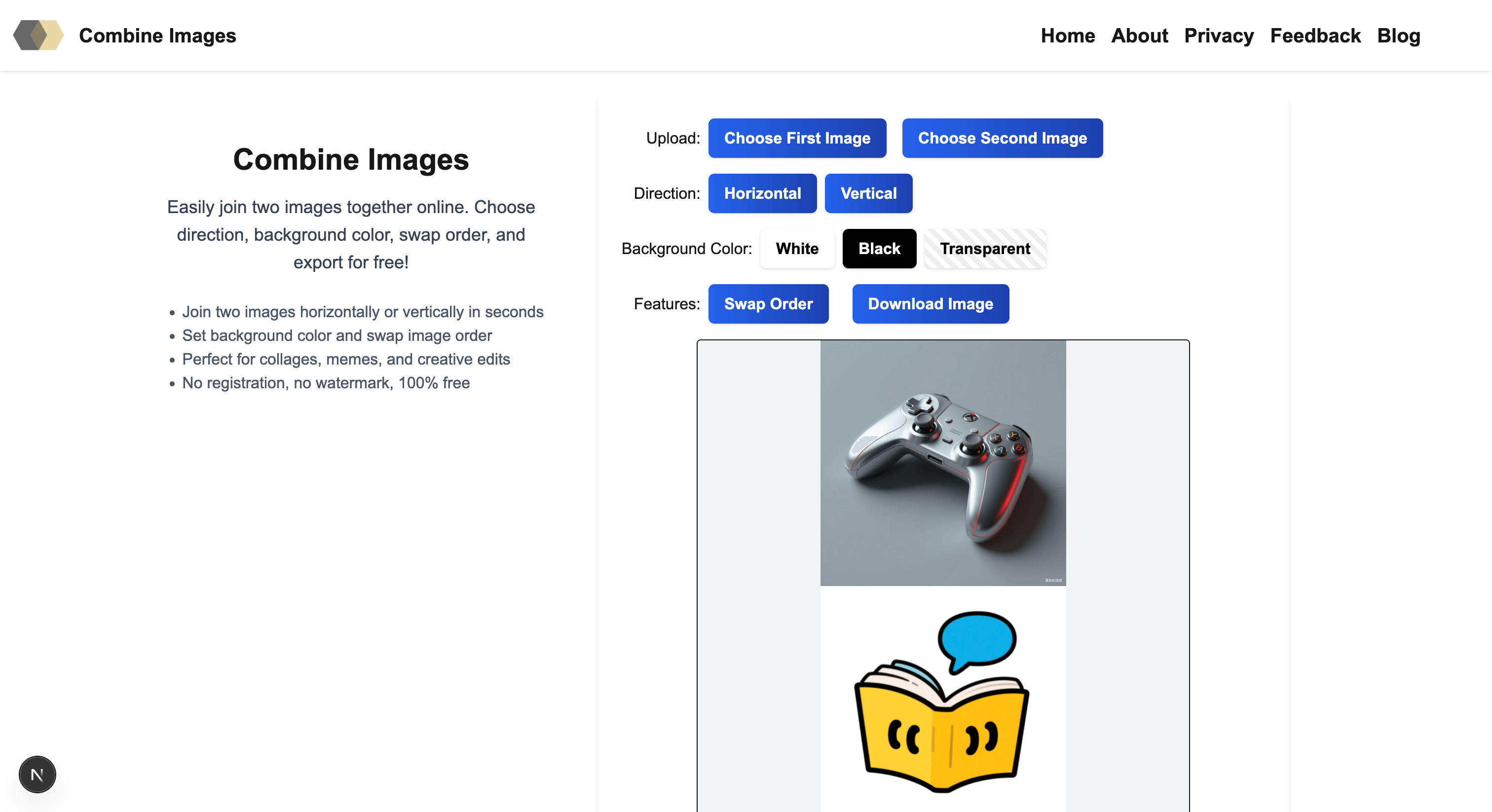
Step 3: Export Your Combined Image
Once all image processing is complete, click the "Export Image" button to download the combined image with one click. Combine Images supports high-quality PNG format export, meeting the needs of e-commerce platforms, social media, and other scenarios.
Summary: Why Choose Combine Images?
- One-Click Combining: Quick operation, fast merging of two images into one
- Flexible Direction: Supports horizontal and vertical combining to meet different display needs
- Custom Background: White, black, transparent background options to adapt to various scenarios
- High-Quality Export: No watermark, high-definition PNG images, ready for product listing
- Completely Free: No registration, no ads, 100% free to use
Try Combine Images today and experience the fastest way to create professional image combinations for your business!